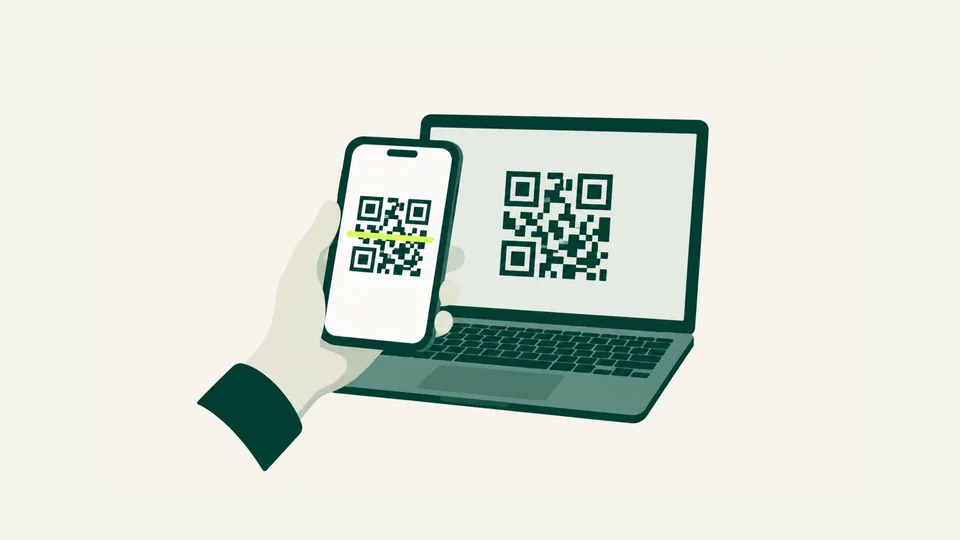
Settings → Network & internet → SIMs → Add eSIM, then scan the QR code from your order page.
Pixels also accept the details by hand. Choose to enter them manually and paste the whole activation key from the order page.
Install on wifi before you travel. Once it is on the phone, leave it there.