Help
Getting started
What an eSIM is, how buying one here works, and what to decide before you pay.
14 answers
What is an eSIM?
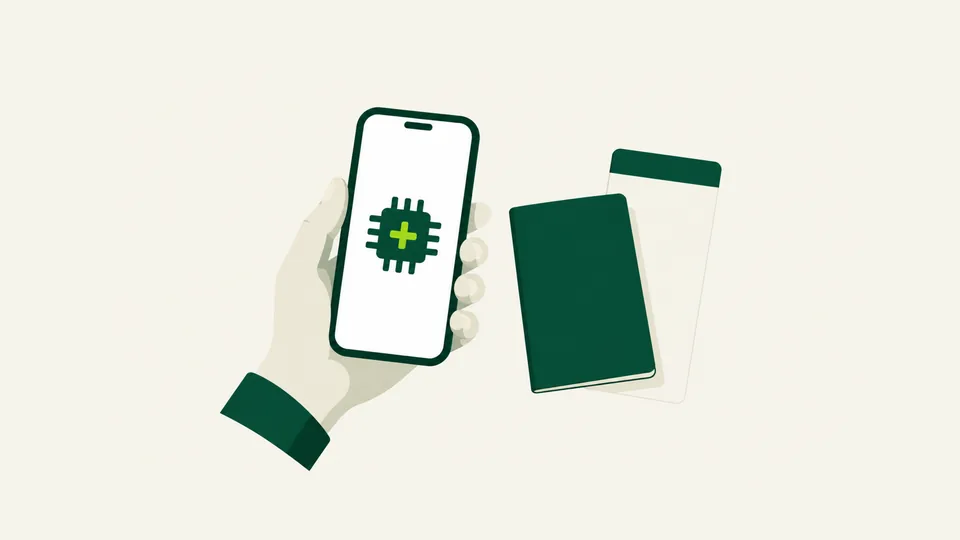
An eSIM is a SIM card that arrives as a code instead of a piece of plastic. Modern phones have a small chip built in that can hold several mobile lines at once, and an eSIM is one of those lines.
Nothing is posted to you and nothing is swapped out. The SIM you already have stays where it is, and the travel line sits beside it.
You install it from a QR code, a one-tap link on a recent iPhone, or by typing in two values by hand. All three are on your order page.
How does a travel eSIM work?
You buy a plan for the place you are going, install the eSIM on your phone before you fly, and it connects to a local mobile network when you land. We are not a mobile network: the plan runs on the networks of local operators in each destination.
It carries mobile data only. Your own number stays on your own SIM, so calls and texts still reach you at your carrier’s usual rates.
For most plans the days start when the eSIM first connects to a network at your destination, not when you buy it. That is why installing at home on wifi is the easy way: you land already online.
Do I need an account to buy an eSIM?
No. There is no registration, no password and no name asked for. You choose a plan, pay, and the eSIM is on the next page.
You can sign in with Apple or Google if you want your purchases gathered in one place across devices, but nothing requires it.
Without an account, the order number does everything an account would: check what is left on the eSIM, ask for a refund, report a problem.
Do I have to give an email address to buy?
No. The box at checkout can be left empty, and the purchase goes through without one.
It has one consequence worth knowing before you pay: with no address, the order page you land on next is the only copy of your QR code. Keep the order number from it.
With an address, the QR code and the receipt arrive by email as well, so you have a second way back to the same eSIM.
Losing both is recoverable. Support can find your eSIM from the order number, or from the last four digits of the ICCID once it is installed.
How do I buy an eSIM?
Pick your destination, pick how many days and how much full-speed data a day you want, and pay. The price on the button is the whole price.
Payment is by card or one of the wallets your device and country support. There is nothing to install and no account to make first.
When the payment goes through, the eSIM is issued and the install details appear on the order page, usually within about a minute.
When should I buy my eSIM — before or after I travel?
Before. Buying and installing need an internet connection, and an airport where you have no data yet is the worst place to discover that.
Buying early costs you nothing, because for most plans the days do not start until the eSIM first connects to a network at your destination. Installed at home on wifi, it sits idle until you land.
Each plan also states how long after purchase it must be installed. Check that if you are buying months ahead.
How do I find a plan for my destination?
Type the country into the search box on the shop, or open the full list of destinations. Every country we sell for has its own page with the whole shelf on it, cheapest first.
If your trip crosses borders, look at the regional bundles: one eSIM that covers several countries is usually cheaper and always simpler than one per country. A bundle page lists every country inside it.
On a destination page you choose the number of days first, then how much full-speed data you want each day. The total for that exact combination is on the button.
Should I choose an unlimited plan or a fixed-data plan?
Choose unlimited if you do not want to watch a counter. There is no total allowance to run out, so a phone update or a photo backup cannot leave you offline outside the airport.
Choose fixed data if you know roughly how much you need and want the smallest possible price. A light week of maps and messages can cost less on a small fixed package.
The difference that matters on an unlimited plan is the daily full-speed amount, not the total: every unlimited plan states how much runs at full speed each day and what speed it continues at afterwards.
What is the difference between Basic and Enhanced Speed?
Both are unlimited data. They differ in how much runs at full speed each day, and in the speed the connection continues at once that daily amount is used.
Basic suits everyday browsing, messaging, maps and booking rides. Enhanced Speed gives a larger daily full-speed amount and a faster continued speed, which leaves more room for social feeds and video.
Every plan prints both of its own numbers before you pay. Pro Store carries larger daily amounts again, for people who want more.
Do I need to install an app?
No. Buying, installing and managing an eSIM all happen on the website, in your phone’s own browser and its own settings.
The eSIM itself is installed by your phone, not by any app of ours — on an iPhone through Settings, on Android through Settings.
Nothing on your order page needs an app to open, including the QR code and the one-tap install link.
Does my own phone number keep working?
Yes. The travel eSIM is a second line carrying data only, so your own number stays on your own SIM and keeps working for calls and texts.
Those calls and texts are charged by your own carrier at their usual roaming rates. We do not change that and cannot see it.
To stop your carrier also charging you for roaming data, switch mobile data over to the travel line and turn data roaming off on your home line.
Will I still pay roaming charges?
Not for the data the travel eSIM carries. That is paid for in advance, in the price of the plan, and nothing is billed afterwards.
Your home line can still cost you money if it is left carrying data. Set mobile data to the travel line and turn data roaming off for your home line.
Calls and texts on your own number are still your carrier’s business at their own rates, because the travel eSIM does not carry them.
Can I buy an eSIM for someone else?
Yes, any plan. You pay, then make a link from the order page and send it to them. They install it themselves.
They need no account, no app and no invitation. The link opens their half of the order: the install details and what is left on the plan.
It carries nothing of yours. They cannot see your receipt, your card or your other plans, and they cannot ask for your money back.
What happens right after I pay?
The order page opens and the eSIM is issued onto it, usually within about a minute. The page updates itself while it waits.
On it you get three ways to install: a one-tap link for a recent iPhone, a QR code, and the two values to type in by hand. Any one of them is enough.
If you gave an email address, the same details arrive there too. If you did not, keep the order number from this page.
Other topics
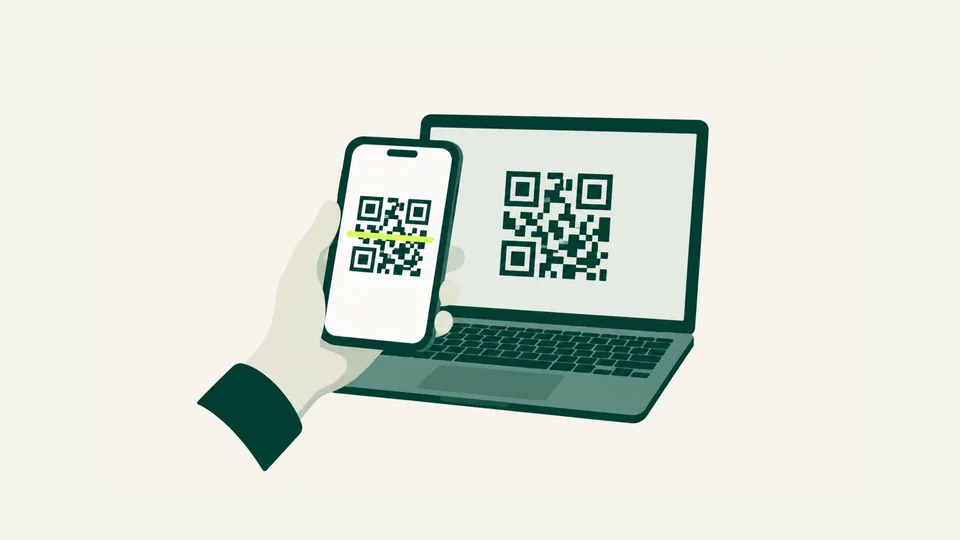
Installing your eSIM
Getting the eSIM onto your phone — on an iPhone, on Android, with a QR code or without one — and what to do when it refuses.
All 20 answers
When you land
The settings to change on arrival, what to do when there is no signal, and living with the plan while you travel.
All 16 answers
Plans, data and speed
What unlimited means here, when the days start and end, what happens at the daily limit, and how to add more.
All 16 answers
Payments and refunds
How to pay, what the price includes, and exactly when a plan can be returned.
All 14 answers
Your order and your eSIM
Finding an order again, passing a plan to somebody else, accounts, and reaching a person.
All 14 answers
Devices and compatibility
Whether your phone can take an eSIM at all, whether it is locked, and what to check before you pay.
All 10 answers
About Lempart Flex
Who we are, how we answer, what we do with your data, and the rules on both sides.
All 12 answersNot the answer you were looking for?
Ask us — a person answers, usually within one working day.